Get Started

Prepare to Launch

In order to operate the new web-based Toyota Certified Window Sticker Application, the system onto which you are using the application should meet the following minimum guidelines:
  • We recommend that the system have and use the most current version of Internet Explorer.
  • The software requires the latest version of Adobe Reader, which can easily be downloaded for free from www.adobe.com.
  • The system should be set up to always allow Pop-Ups.
  • Add VehicleDetails.com as a Trusted Site in your Internet Security Settings.
Note: In order to use the new web-based Toyota Certified Window Sticker Application, the dealership computer must have internet access.

Log-in To The Application

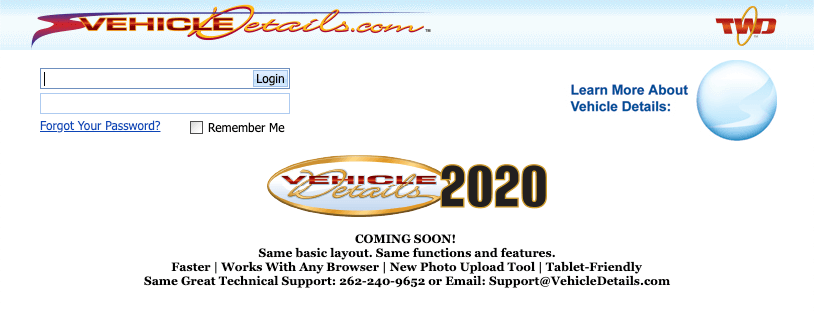
  1. Go to www.VehicleDetails.com
  2. Enter the log-in and password provided. If you have not received your username & password, please contact the Vehicle Details Technical Support Team at 262.240.9652
  3. The first item you see will be the software license agreement. Click on “Accept” to proceed.
Vehicle Details

Toyota Certified Window Sticker Technical Support is available from 9:00 AM to 4:00 PM Central Time, Monday through Friday.
This service is free of charge to all Toyota Certified Dealers.

Technical Support Team
262-240-9652

Program Manuals

PROGRAM PDF TCUV TRAINING DECK POLICY & PROCEDURE

Contact your JM&A Group Representative at jmacustomerservice@jmagroup.com