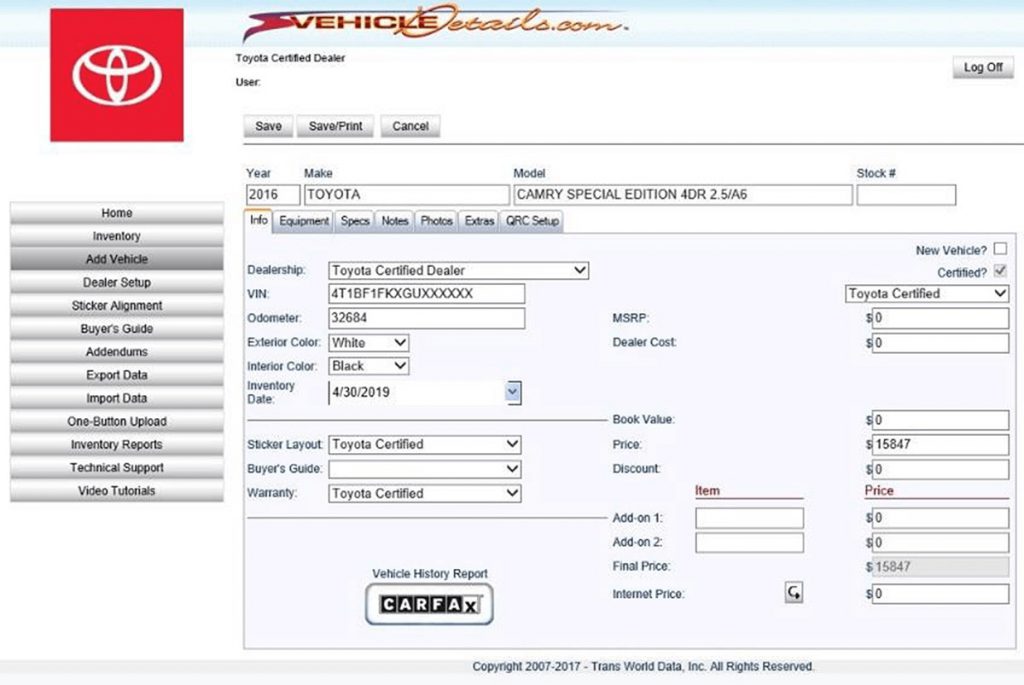
At the main menu, select ADD VEHICLE. VIN, Stock # and Odometer will be required to add your Certified Vehicle.
Enter VIN and Odometer, then click DECODE. The system will decode the VIN. You may get one or more possible vehicles to select from. If it gives you more than one choice, choose the correct vehicle and click Continue to go to the Vehicle Build screen.
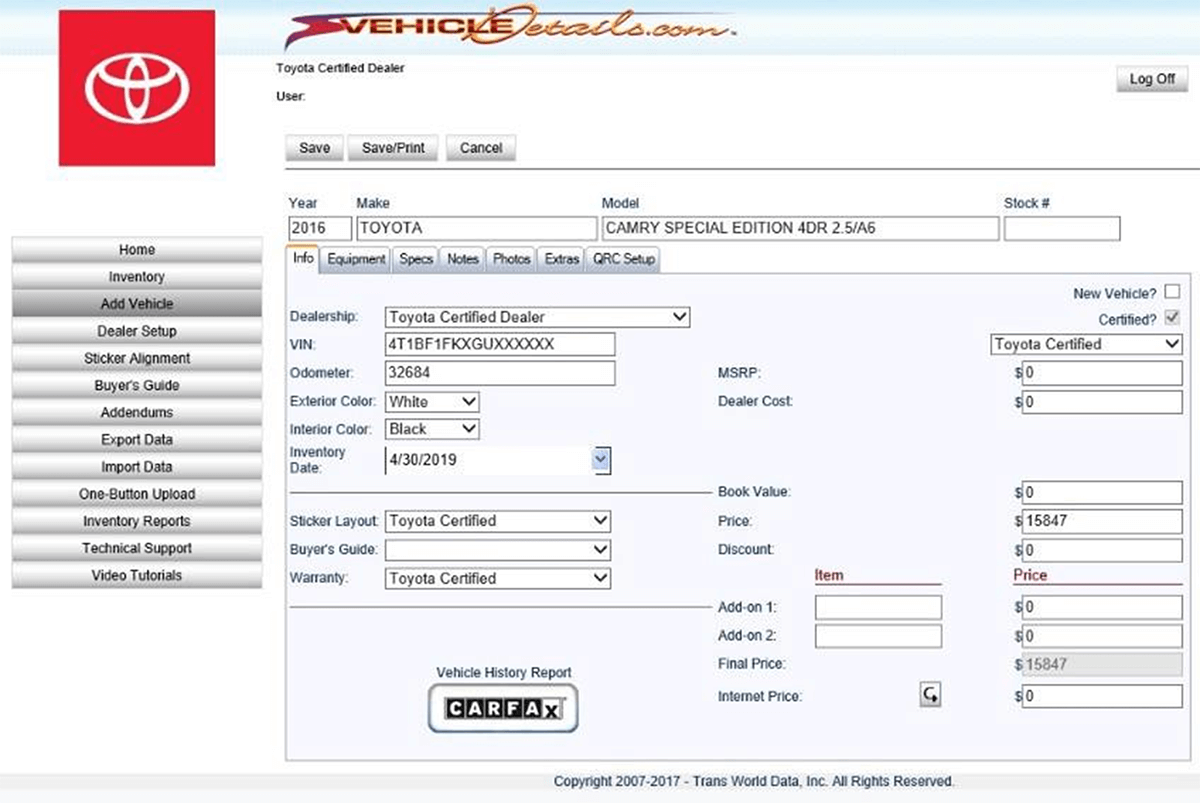
In the VEHICLE BUILD screen, enter Color, Stock Number, Price and Internet Price. *Internet Price will be used for the QR-Code generated Vehicle Listing URL
Use the tabs on the BUILD VEHICLE SCREEN to edit equipment, specifications, add notes, attach photos and more.
Obtain CARFAX Vehicle History Report by clicking the button provided.
Click SAVE to save all your vehicle information. You can return to the Vehicle Build Screen to add Photos. See the next section for adding photos to your Certified Vehicle.